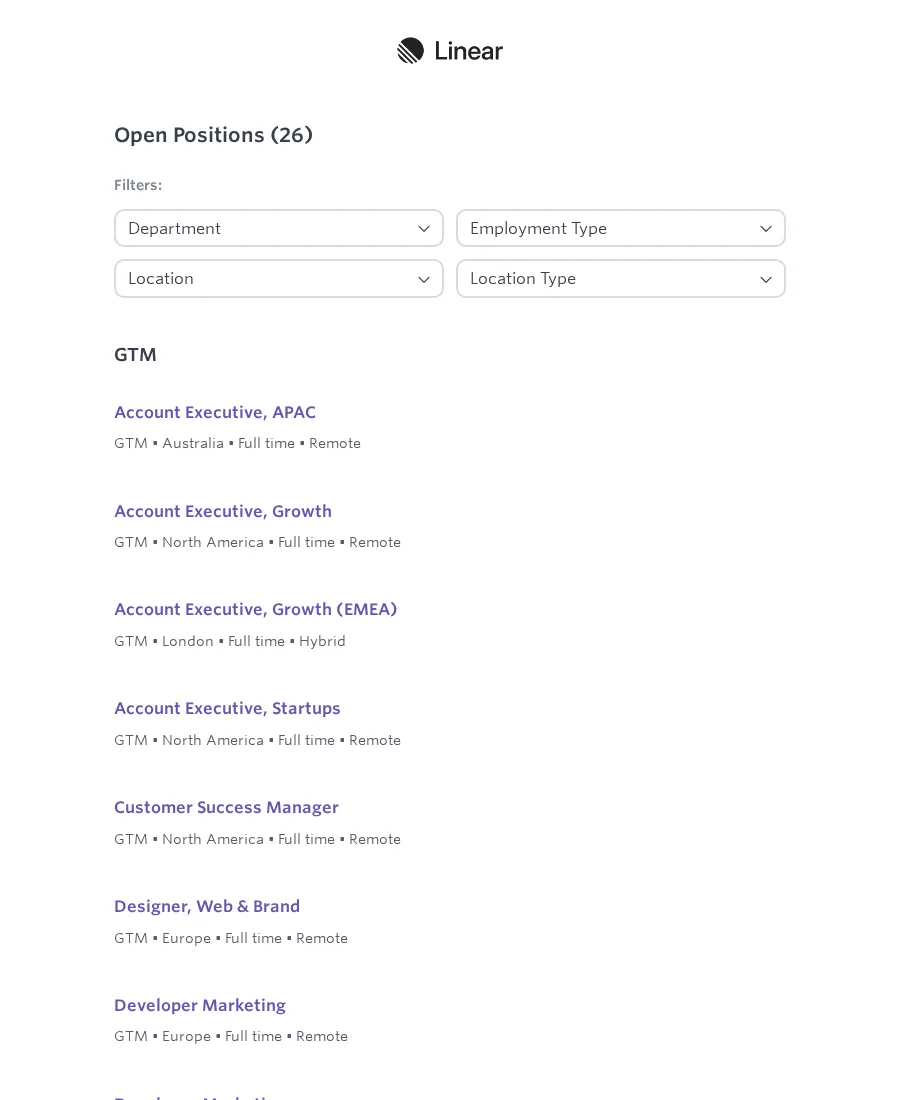
Ashby jobs to Google Sheets
Send listings from a public Ashby job board to Google Sheets. Linear is prefilled as the example.
- Flow
- Google Sheets
- Schedule-ready
Flow Library
Search the available Scrapeer flows by job type, target page, field, or output. Open a flow to inspect the example pages, then start from it in the editor.
Need something specific?
Each Flow shows the browser job it covers and the target-page examples used to explain the setup.
3 flows shown
Send listings from a public Ashby job board to Google Sheets. Linear is prefilled as the example.
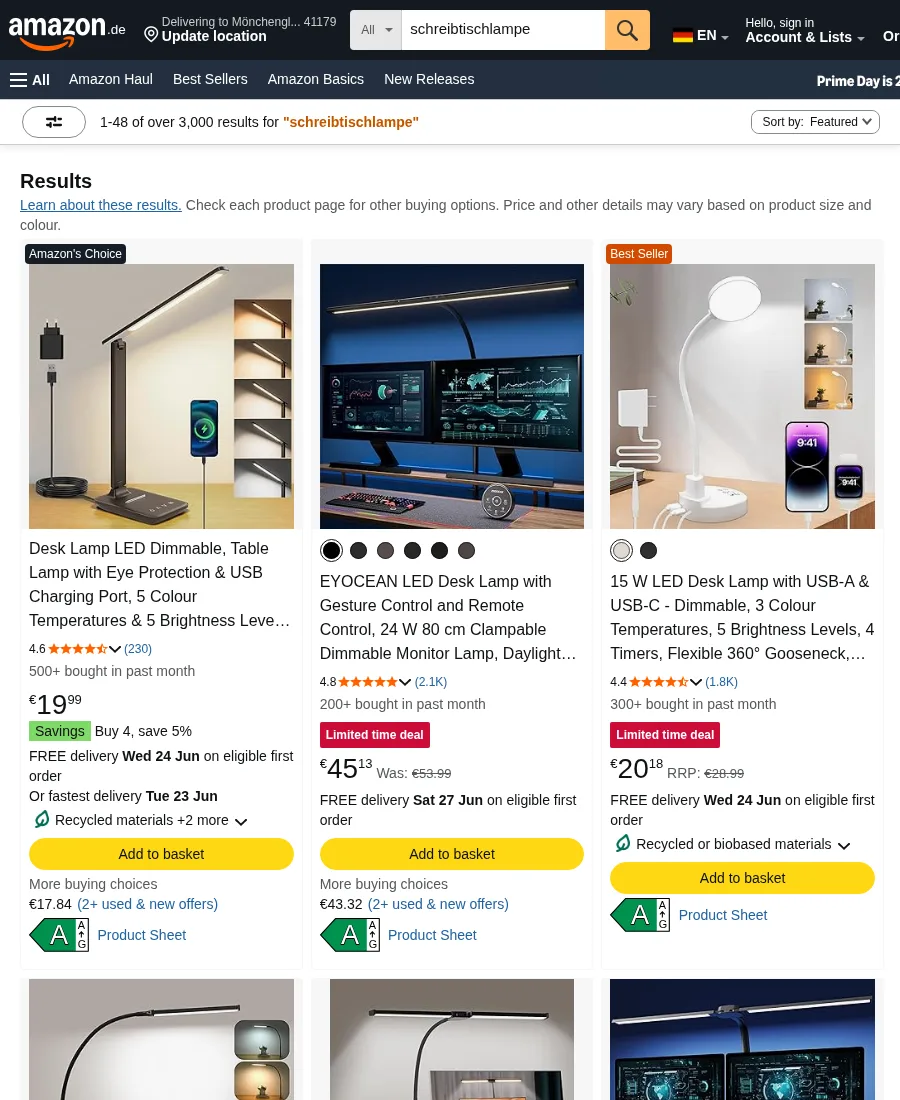
Watch one Amazon product against a target price and save an alert CSV.
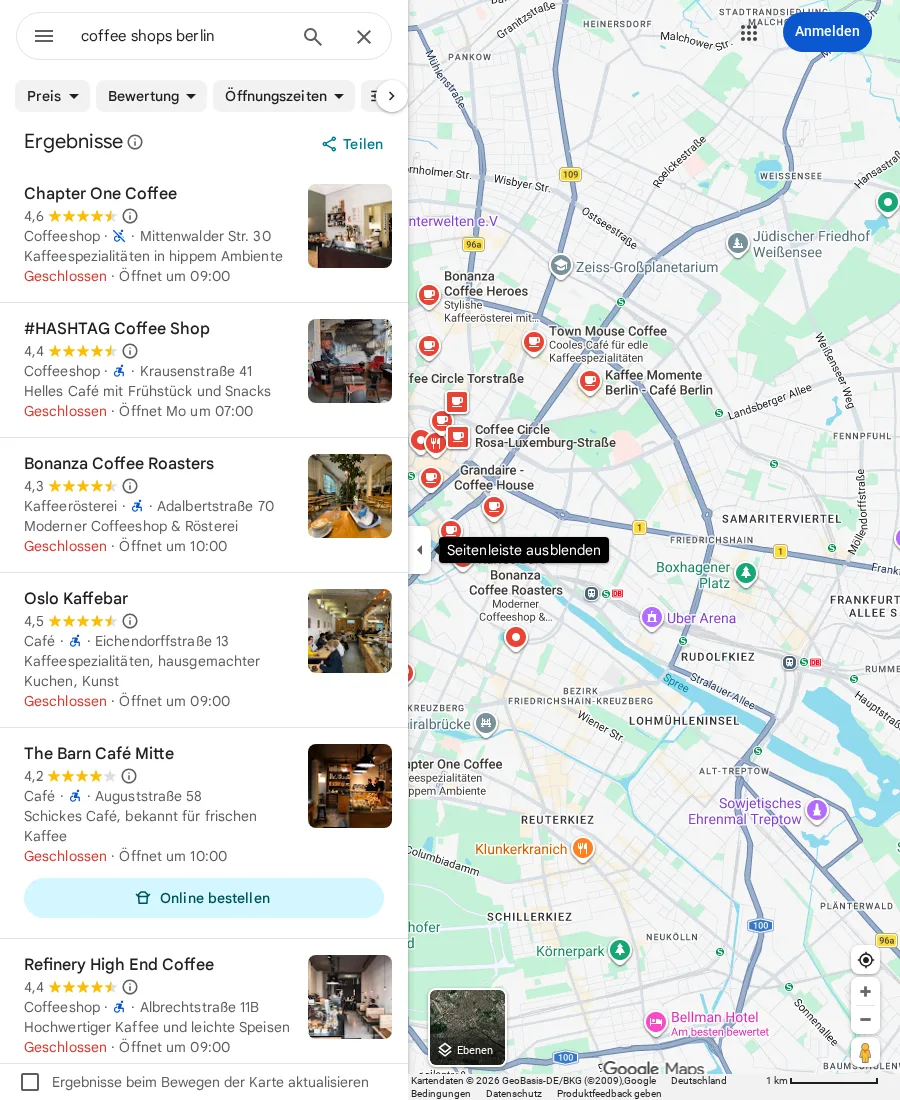
Collect Google Maps business details into a lead table, with an n8n path to Google Sheets.
Choosing a Flow
Each Flow is an editable web scraping or browser automation workflow with page visits, waits, extraction blocks, and output steps.
The screenshots show the site or page pattern the Flow was built around. Site-specific Flows say so; broader Flows show multiple examples.
Replace the example URL, adjust the fields, and keep the edit path visible when a selector or page layout changes.