Automate any website.
See every step.
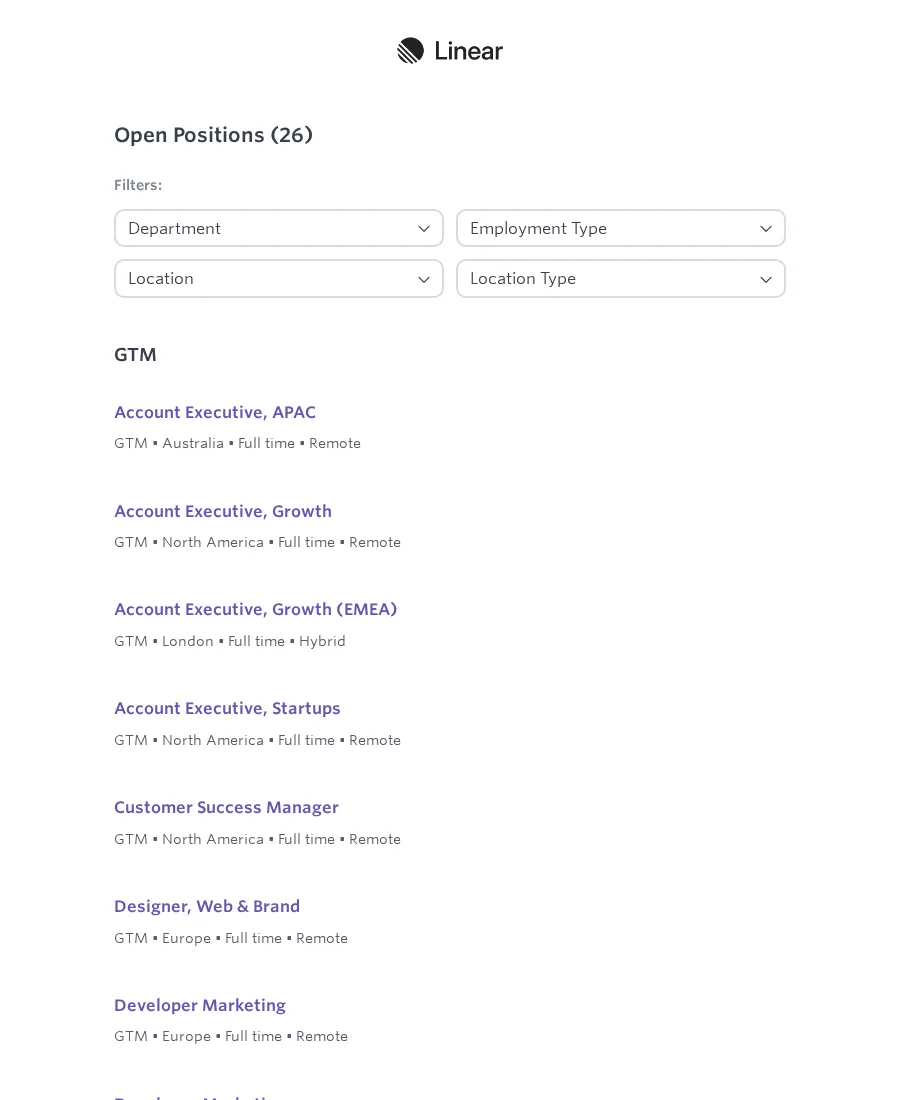
No job board found for this company slug.
| Title | Location | Link |
|---|---|---|
| Data Analyst | London | /jobs/data-analyst |
| Senior Automation Engineer | London / Remote | /jobs/senior-automation |
| Data Operations Lead | United Kingdom | /jobs/data-ops |
Keep the whole scraping job in one Flow
Build the clicks and extraction once, then keep variables, Secrets, Scheduling, and delivery steps visible beside the browser run.
Variables
Store a value once and reuse it in URLs, filters, filenames, and later Blocks.
Secrets
Store API keys and credentials in encrypted Secrets, then reference them from Blocks that need access.
Scheduling
Run a tested Flow again on the days and times the job actually needs.
Google Sheets
Send extracted rows into the Sheet your team already checks.
Files & cloud storage
Save CSV or JSON locally, or send the same output to Drive, Dropbox, S3, or another cloud storage target.
Integrations
Hand the finished run to the next workflow in n8n, Zapier, or a webhook.
Start with a scraping job that looks like yours
Starter workflows pair real target-page examples with the fields, outputs, and editable steps you need for common browser-data jobs.
Build by hand or ask the Copilot
Manual block building and Copilot-assisted setup lead to the same editable flow. Start with either path and switch whenever you need more control.
Build with blocks
Use the canvas when you know the steps: navigate, click, extract, branch, loop, and collect results with full control.
Build with Copilot
Describe the job, review the proposed edits, and apply them only when the flow matches what you want.
Change one input, update the whole Flow
Set the service, city, and output filename once. Scrapeer uses those values in the search, extraction, and export steps.
Start locally, then move recurring jobs to the cloud
Use Desktop for test runs while you build. Move the same Flow to Cloud Runs when the job should run without your machine, then add Scheduling for recurring work.
Have us build your first Flow
Send us the site, fields, schedule, and destination. We build and test the Flow, then hand it back for your team to inspect, edit, and run.
What you get back
Your data can land where your team already works: email attachment, Sheet, Drive folder, Dropbox, or another agreed destination. Scrapeer still holds the editable Flow behind it.
Start free, upgrade for Cloud Runs and schedules
Clear plan limits for local testing, Cloud Runs, Scheduling, and storage.
Build and test locally before spending credits. Basic and Pro include unlimited local runs; credits are only spent when Scrapeer's cloud executes a Cloud Run.
Free
Build and test local flows with Liveview. No credit card needed.
- Liveview (local) free
- 10 local runs / day
- 100 blocks / run
- 5 min local run cap
- No cloud storage
- Community support
Basic
PopularUnlimited local runs, 8k cloud credits, and Scheduling for recurring jobs.
- Unlimited local runs
- 8,000 cloud credits / month
- Up to 10 active schedules
- AI Copilot included
- 1 GB Stealth traffic / month
- 3 concurrent cloud runs
- 1 GB cloud storage
Pro
More Cloud Run volume, storage, and concurrency for recurring jobs.
- Unlimited local runs
- 2 GB Stealth traffic / month
- 20,000 cloud credits / month
- Up to 25 active schedules
- 10 concurrent cloud runs
- 5 GB cloud storage
- Priority support