01
Open the job board
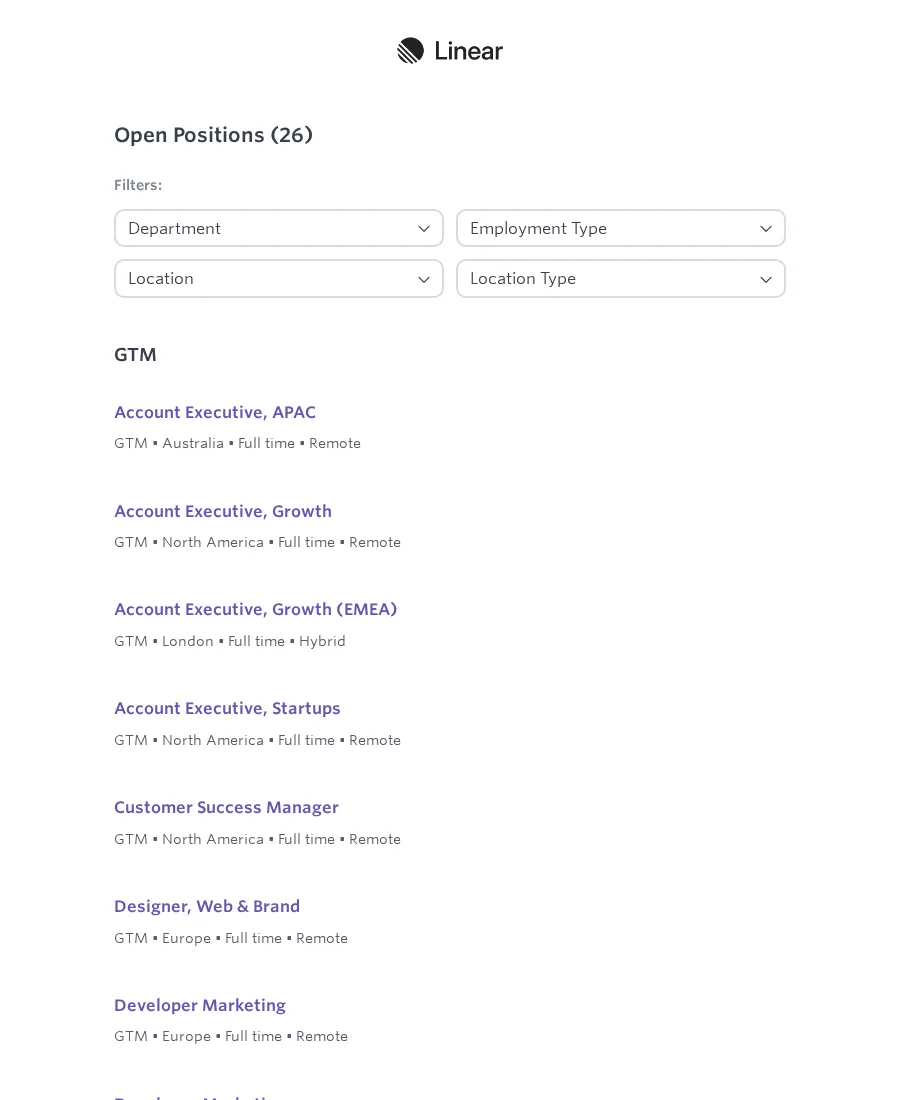
Open the selected public Ashby board and wait for the visible role-title elements. Linear is prefilled as the example.
Use case
Choose a public Ashby job board, collect role titles, posting details, and job URLs, then create a Google Sheet. Linear is prefilled as the example.
Linear Jobs
jobs.ashbyhq.com/linear
Public Flow
This read-only canvas is generated from the same public Flow seed used by Scrapeer's Flow Library. Drag the canvas, zoom into a Block, and trace the board URL, extracted role data, job links, and Google Sheet creation.
The starter form changes these two values before Scrapeer creates the project.
The Flow creates one Google Sheet with these columns. Scrapeer turns the company part of the Ashby board address into the Company value.
Company Title Location / team / type Job URL The current Extract Data Block stops at 25 listings. If another Ashby board uses different markup, inspect the Wait for Element and Extract Data Blocks in Liveview and run the Flow again before relying on the Sheet.
Flow details
Enter the company part of a public Ashby job-board URL, or paste the full URL. The Flow extracts up to 25 visible role titles, posting details, and job URLs, then creates a Google Sheet with one row per opening. Linear is prefilled as the example.
Read how to send Ashby jobs to Google SheetsPublic company boards under jobs.ashbyhq.com. Linear's board is prefilled so you can inspect the selectors and output before changing the company.
The starter form lets you change the Ashby board and spreadsheet name. Scrapeer derives the Company value from the board address before creating the project.
The Flow uses Ashby's current public board selectors. If Ashby changes its markup, inspect the Wait for Element and Extract Data Blocks before running it again.
01
Open the selected public Ashby board and wait for the visible role-title elements. Linear is prefilled as the example.
02
Capture up to 25 role titles and posting-detail text, then collect the matching job URLs.
03
Create a Google Sheet with Company, Title, Location / team / type, and Job URL columns.